

How to use your Adobe Credit
-
Enroll in the benefit Activate the Adobe Statement Credit benefit through American Express.
-
Spend $600 with Adobe Make at least $600 in eligible U.S. purchases directly with Adobe during the calendar year.
-
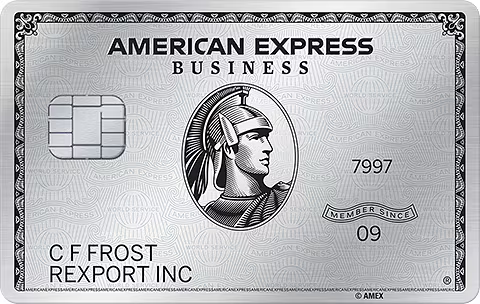
Pay with your Business Platinum Card Charge the qualifying Adobe purchases to your enrolled Business Platinum Card.
-
Get the statement credit Once your eligible Adobe purchases reach $600, American Express will apply a $250 statement credit.
What you get
- A $250 statement credit
- Earned after $600 in eligible U.S. Adobe purchases
- The spending requirement is measured each calendar year
Good to know
- Enrollment is required.
- Purchases must be made directly with Adobe in the U.S.
- You must reach the full $600 qualifying spend threshold before earning the credit.
- The spending requirement resets each calendar year.
- Returns or refunds can reduce your qualifying spend.
- UseIt tracks your progress toward the $600 Adobe spending requirement.